AI Waterfall Image Prompt
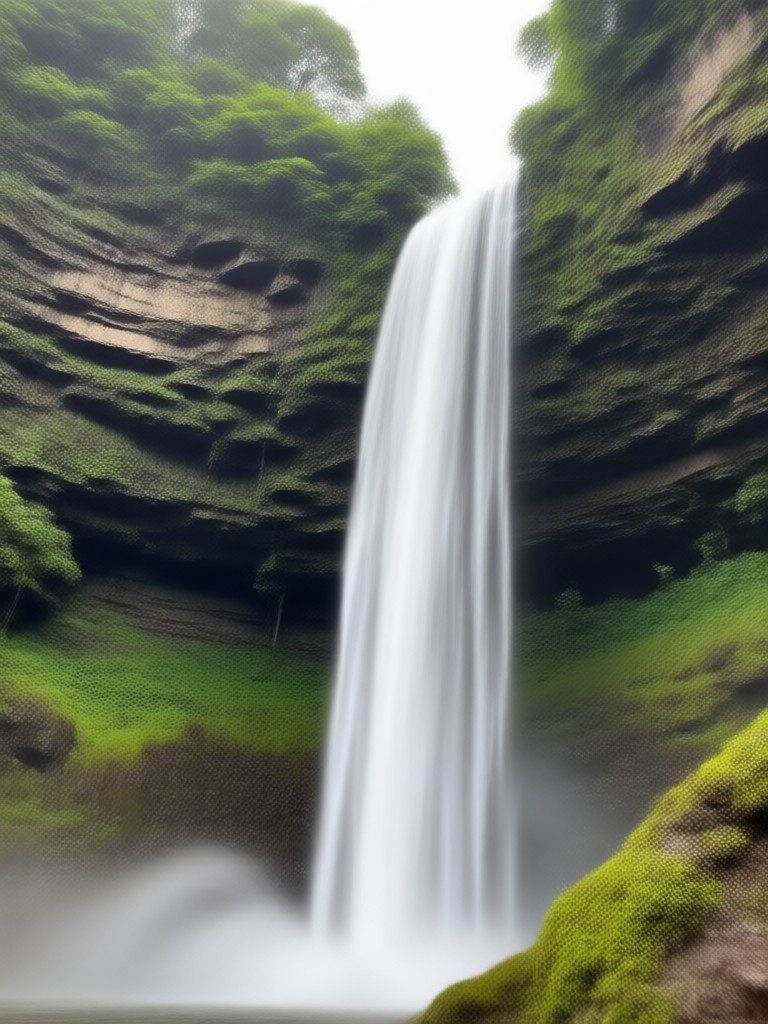
Choose Your Favorite Waterfall Style
Explore a wide range of style filters and templates to bring your waterfall prompts to life, from realistic nature scenes to fantasy anime art.
Key Features for AI Waterfall Image Prompts
Create breathtaking waterfall images with simple text prompts, flexible style controls, and a massive library of filters. No design skills or complex prompt engineering required. Turn any idea into striking scenery in seconds.
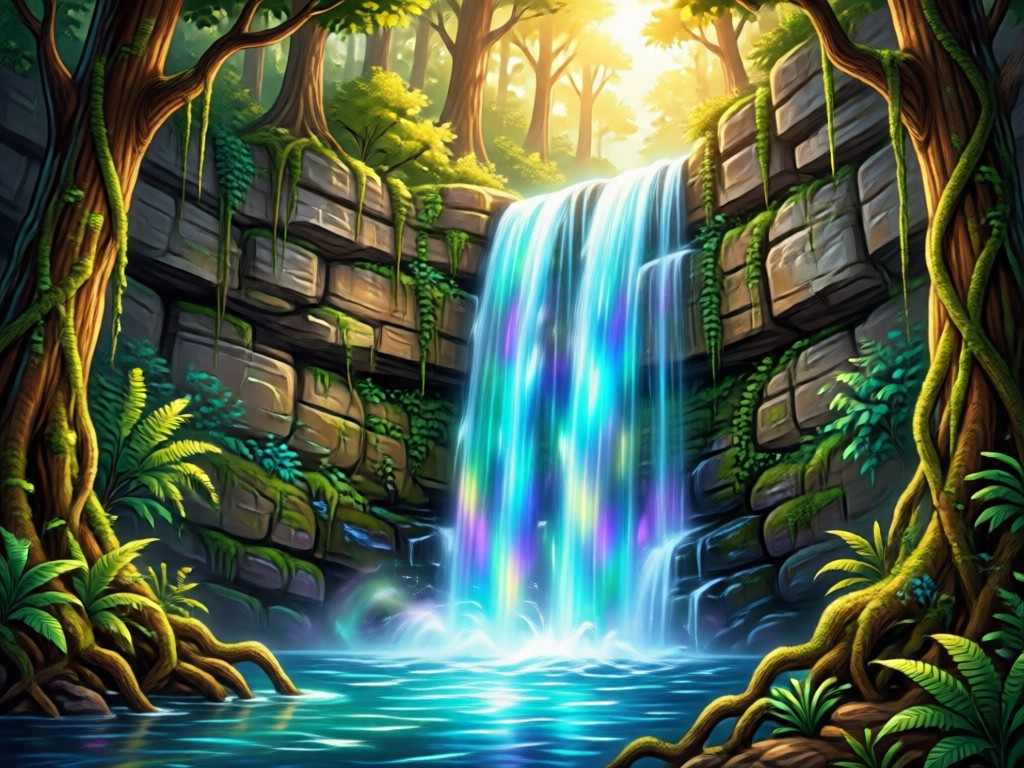
Text to Image Generation
Type a waterfall prompt, pick a style template, and generate a high resolution image in seconds. Perfect for quick creative exploration and social media content.
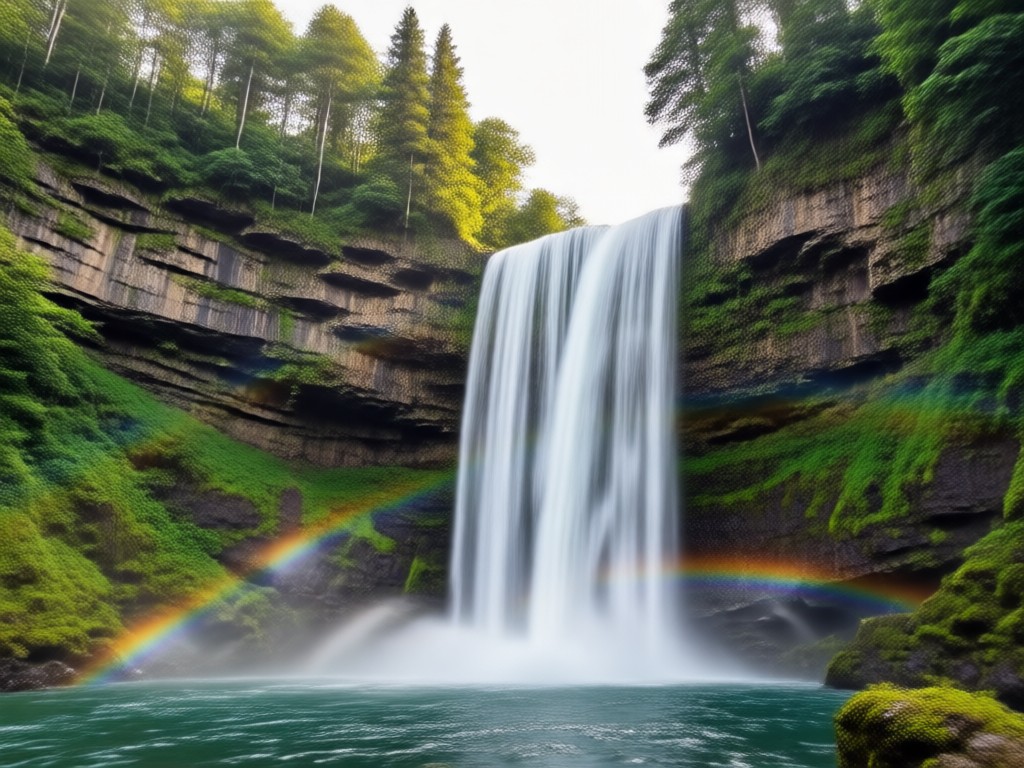
Image to Image Style Transfer
Upload a reference photo or an existing waterfall image and let the AI transform it while preserving the original composition, mood, and subject details.
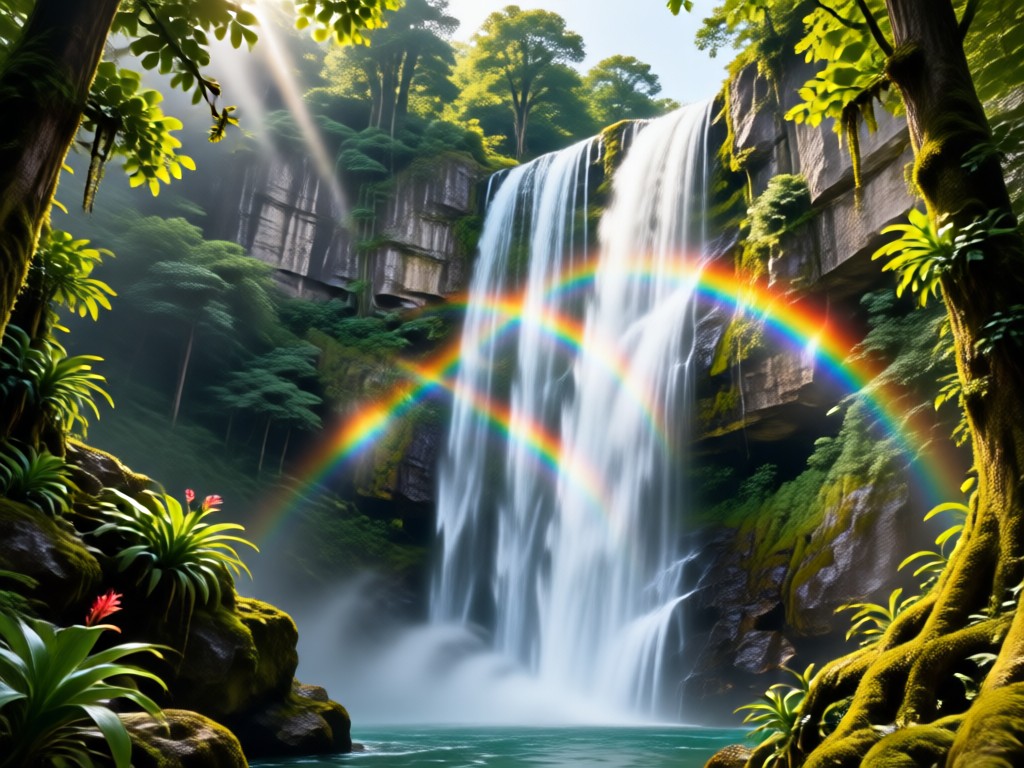
Massive Style Filter Library
Switch between photorealistic, anime, watercolor, oil painting, Ghibli style, cyberpunk, and more to match the exact mood you want for your waterfall scene.
Explore AI Waterfall Image Prompt Gallery
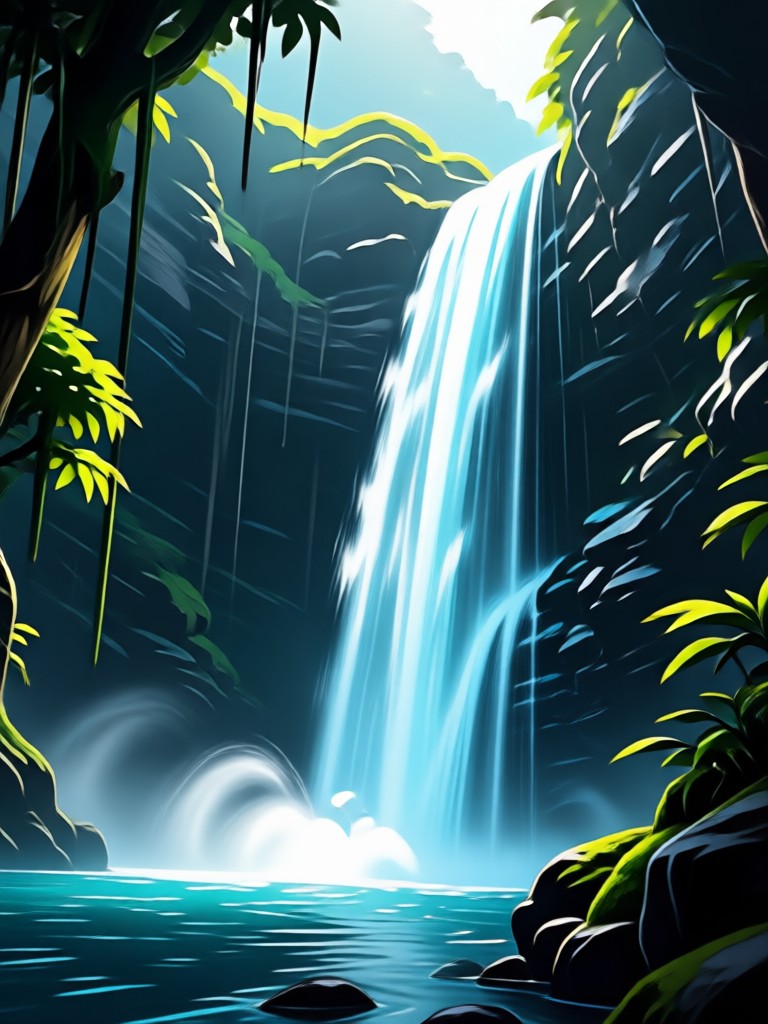
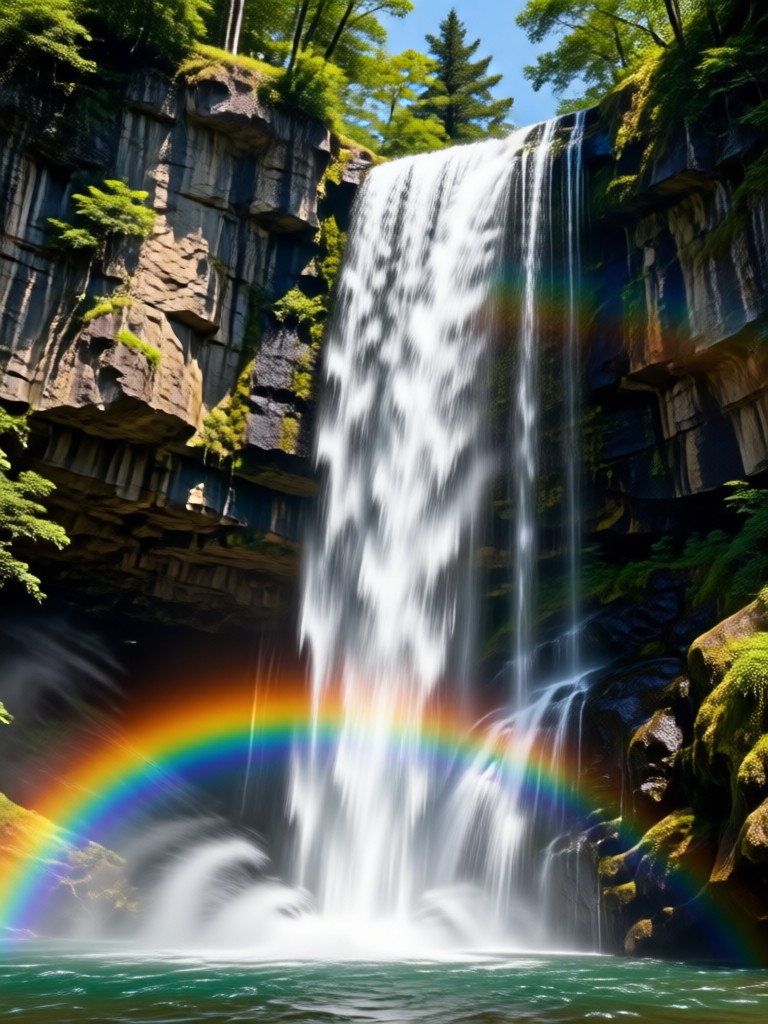
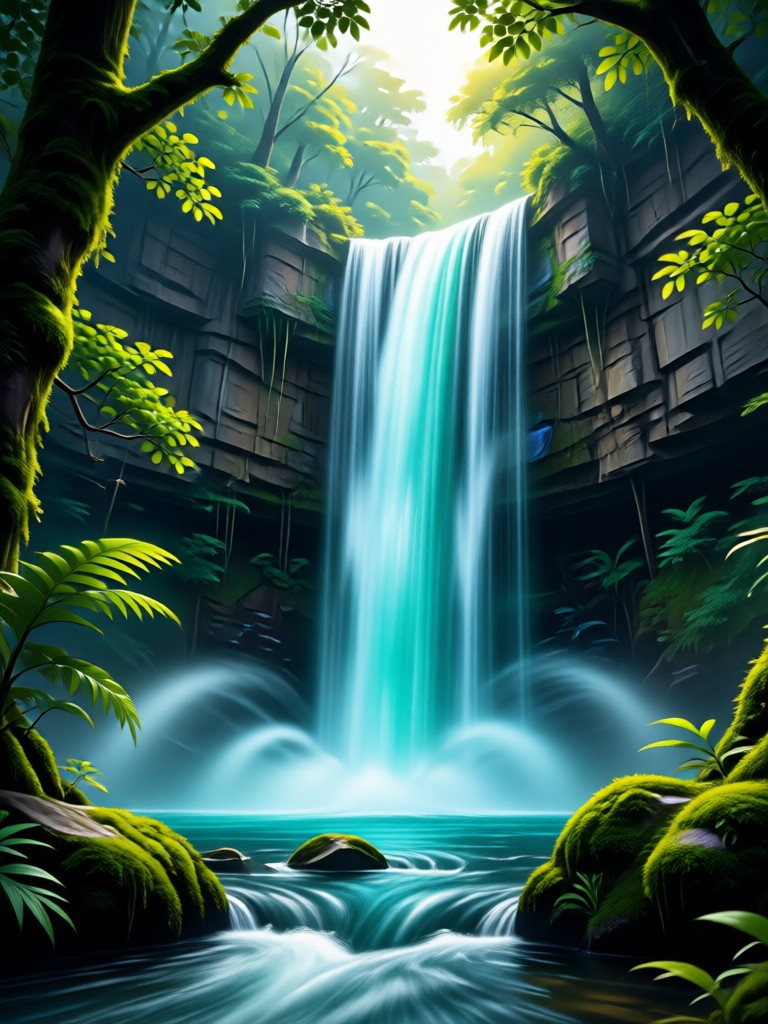
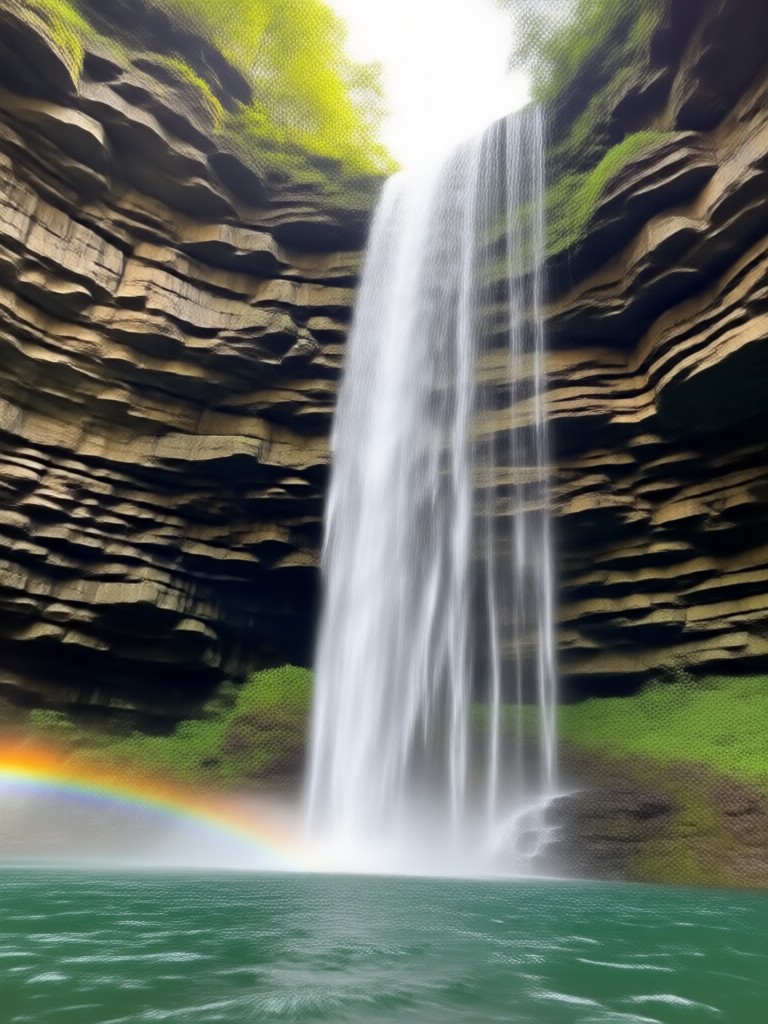
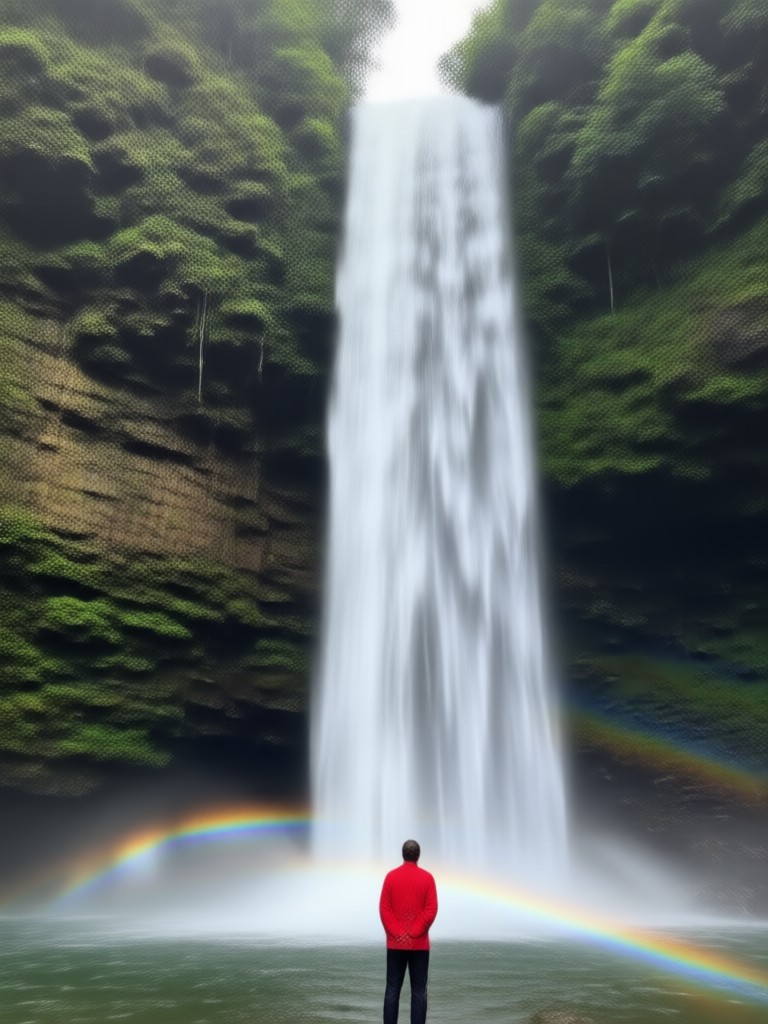
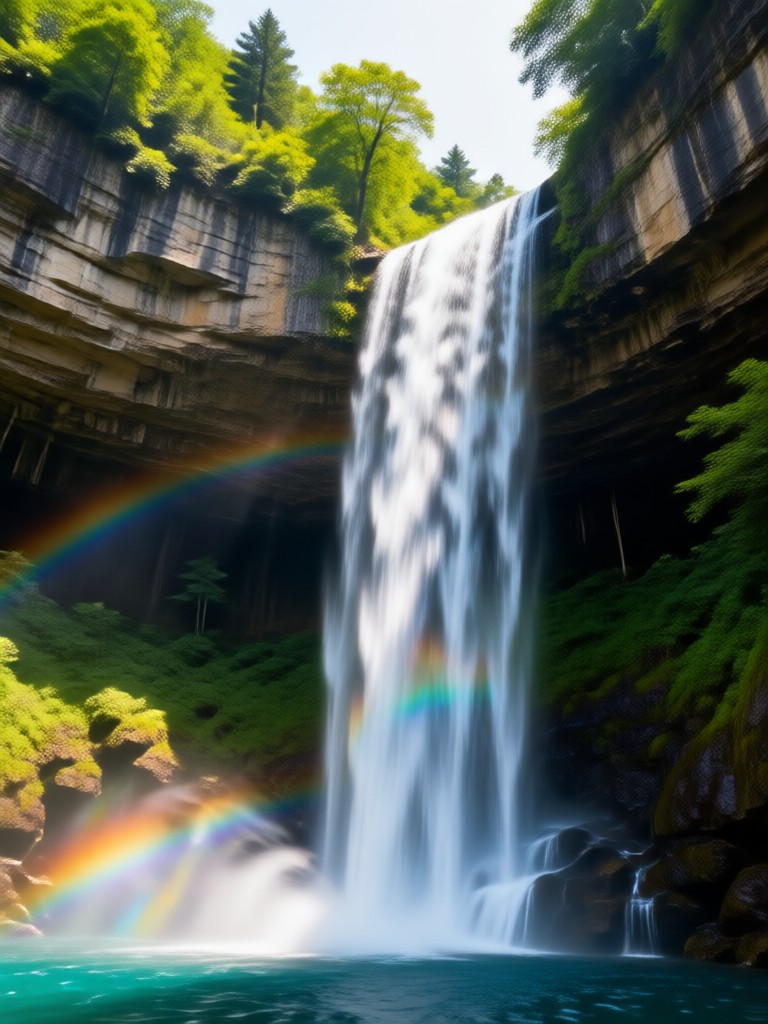
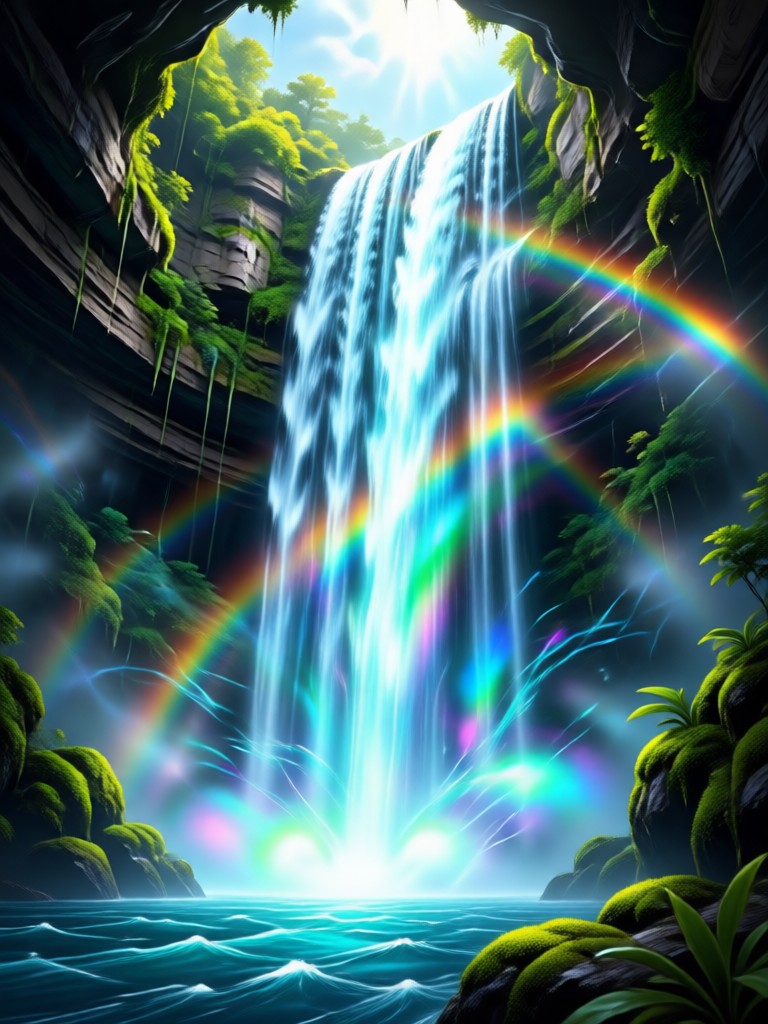
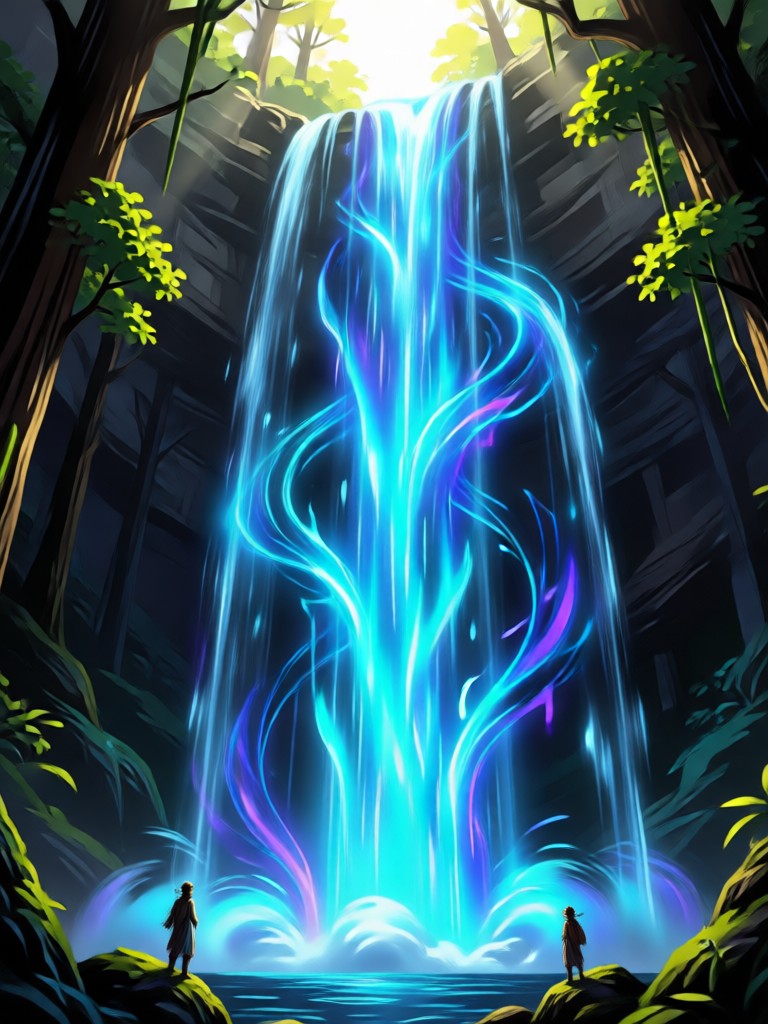
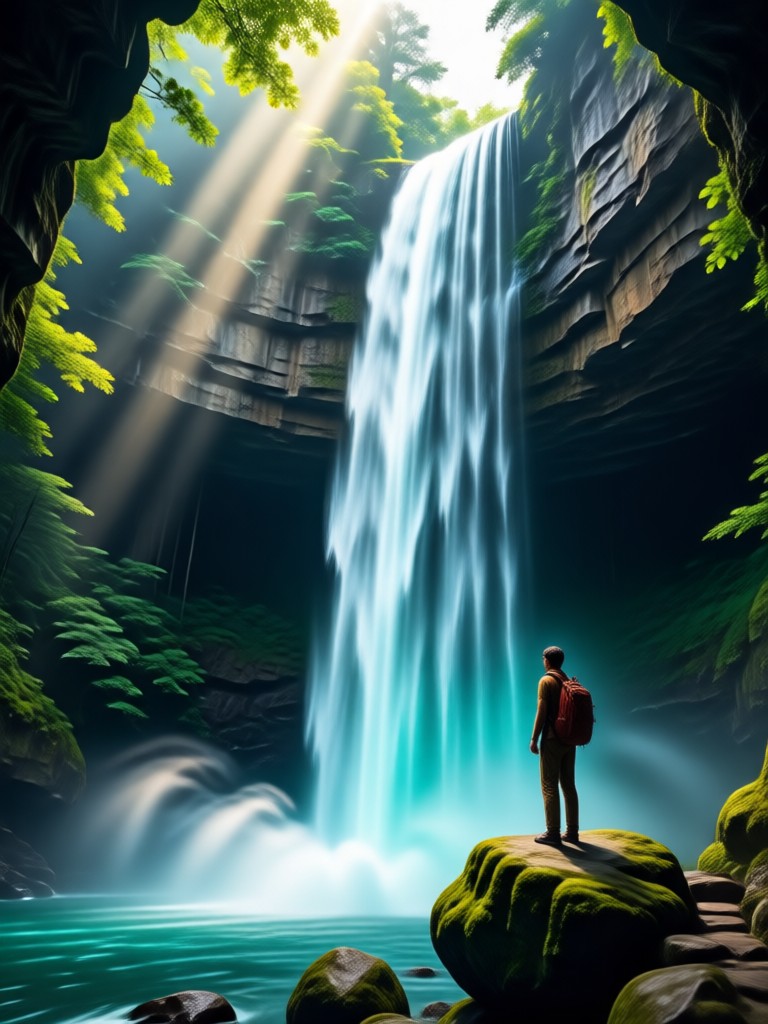
Browse stunning AI generated waterfall images created with viswell. See how different prompts and style filters can transform the same idea into realistic, anime, fantasy, and cinematic artwork.
How to Create AI Waterfall Images?
Create beautiful AI waterfall images in three simple steps using the viswell mobile app. No complex settings or design experience needed.

Step 01.
Download the viswell app from Google Play and open it on your phone to start creating AI waterfall images anywhere, anytime.

Step 02.
Type your waterfall prompt or choose one from the prompt list. Then select a style filter such as realistic, anime, watercolor, or fantasy.

Step 03.
Generate your waterfall image, preview it, and save or share it directly to social media in high resolution.
Why Use AI Waterfall Image Prompts?
Turn simple words into stunning waterfall artwork without advanced tools or design training. viswell makes it easy to explore endless creative directions with just a few taps.
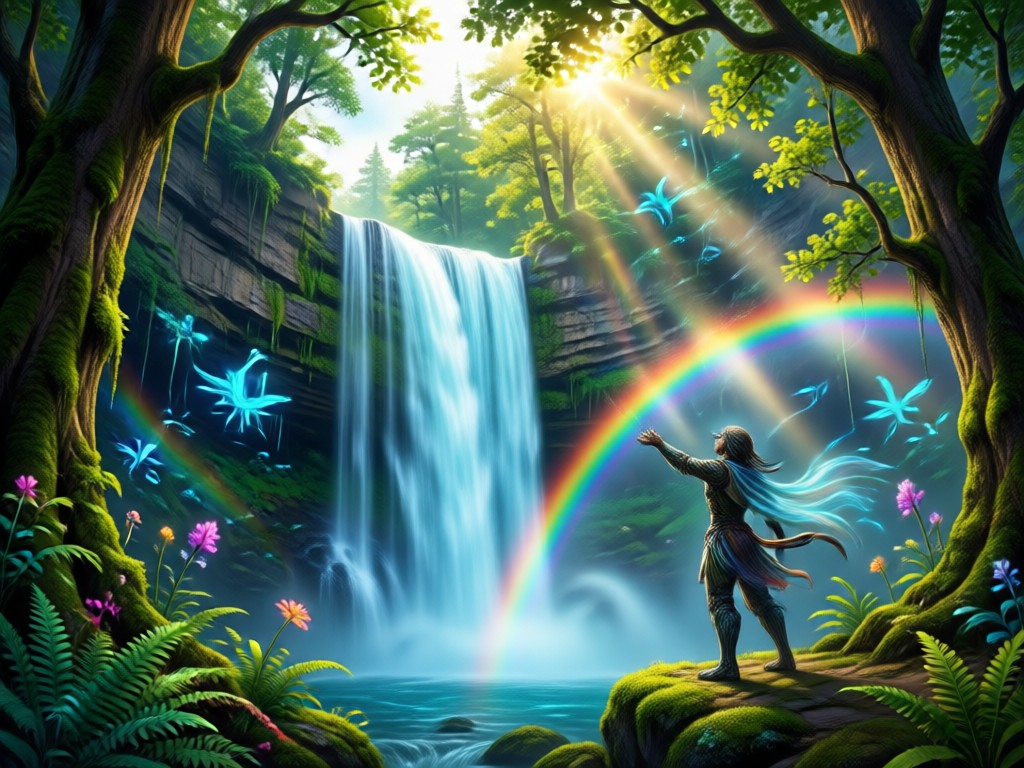
Words Become Waterfall Art
With viswell, you do not need to learn complex prompt engineering or professional photo editing. Describe the scene, choose a style template, and the app handles lighting, composition, and texture. This approach helps you generate consistent, high quality waterfall images for wallpapers, social posts, marketing visuals, and personal projects in seconds.
Words Become Waterfall Art
With viswell, you do not need to learn complex prompt engineering or professional photo editing. Describe the scene, choose a style template, and the app handles lighting, composition, and texture. This approach helps you generate consistent, high quality waterfall images for wallpapers, social posts, marketing visuals, and personal projects in seconds.
Here Is What Creators Think About AI Waterfall Prompts
Perfect for nature themed social posts
I used the waterfall prompts to create a whole series of serene landscape images for my travel Instagram. The results were realistic, detailed, and ready to post in minutes. I did not need any design skills.
Great for fantasy book covers
As a self published author I needed a beautiful waterfall scene for my latest fantasy novel cover. The prompts produced magical, painterly artwork that captured the mood perfectly. Very easy to use.
Fast way to make YouTube thumbnails
I generate custom waterfall backgrounds for my relaxing music videos. The style filters help me match the tone of each track, and the images are always high quality and unique.
Frequently Asked Questions About AI Waterfall Image Prompts
Find clear answers about creating waterfall images with AI prompts, style filters, and the viswell mobile app. Get the guidance you need to start generating stunning nature art faster.
More Topics You May Like
Explore more AI image prompt ideas and creative generator topics to spark your next project.
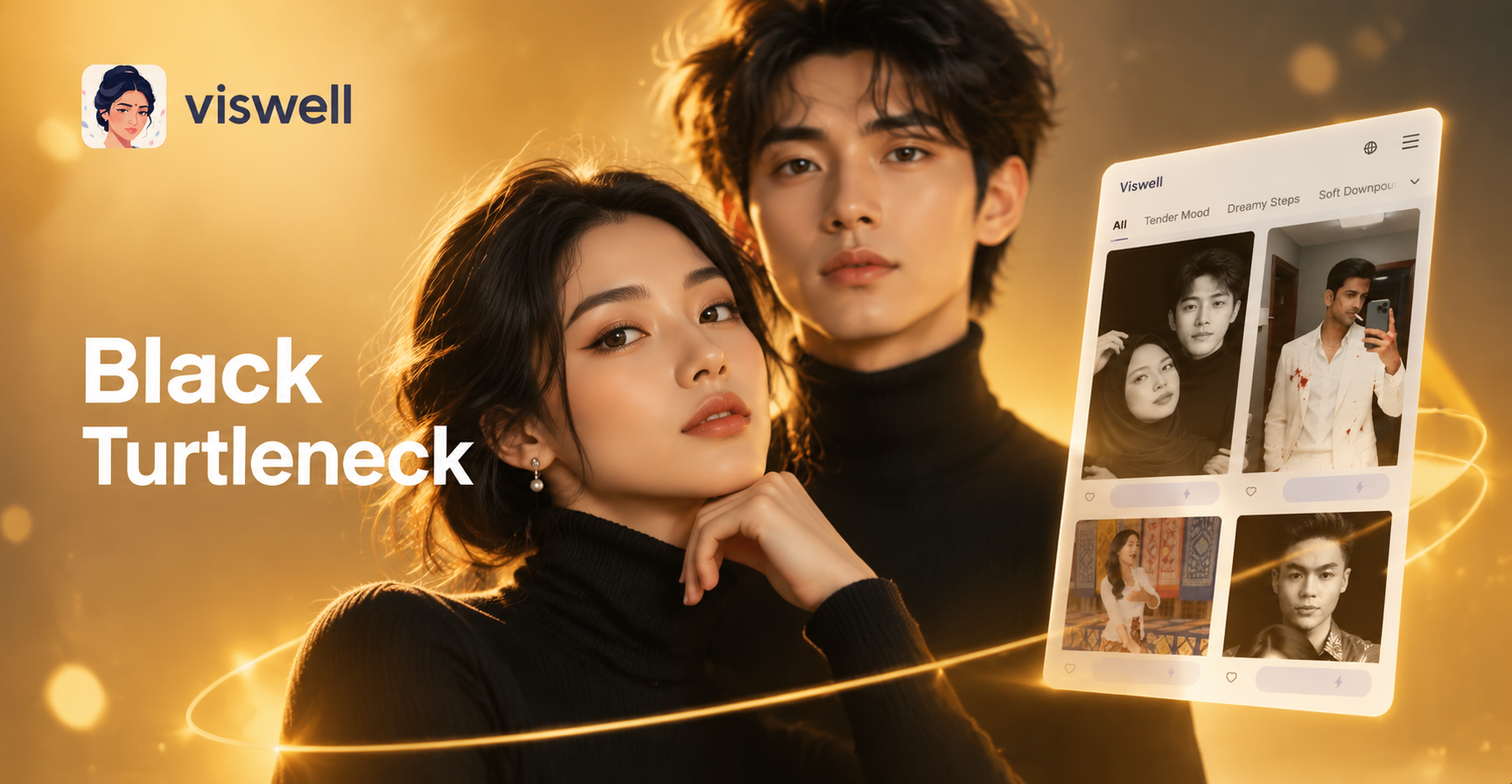
Black Turtleneck Prompt: 6 AI Outfit Ideas to Try Now
Discover creative black turtleneck prompts for AI fashion portraits. Generate realistic studio looks, street style outfits, and editorial photos with the viswell app.
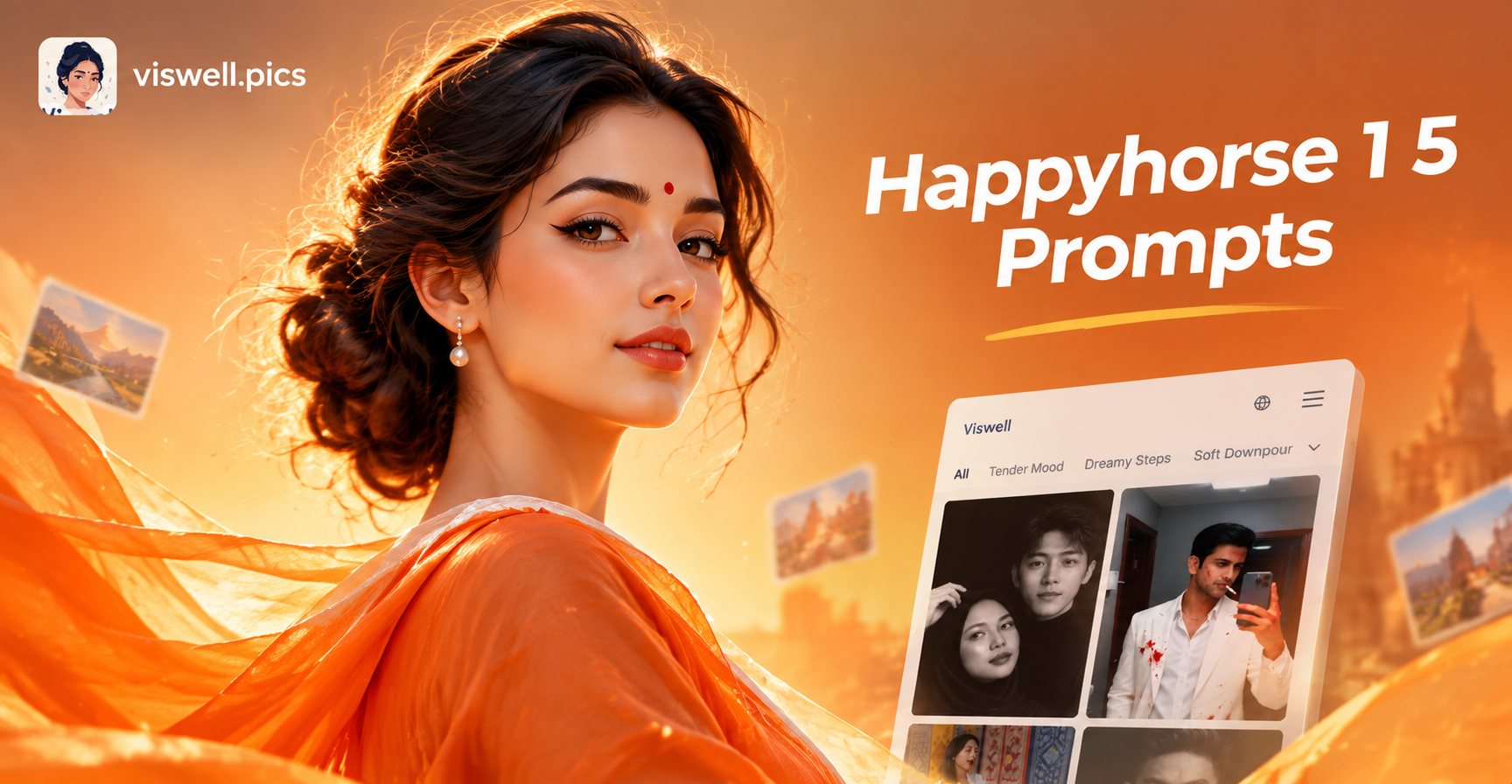
Happyhorse 1.5 Prompts for Joyful AI Horse Art
Use Happyhorse 1.5 prompts to create joyful horse images and videos. Pick a text prompt, choose a style, and generate AI horses in seconds with viswell.
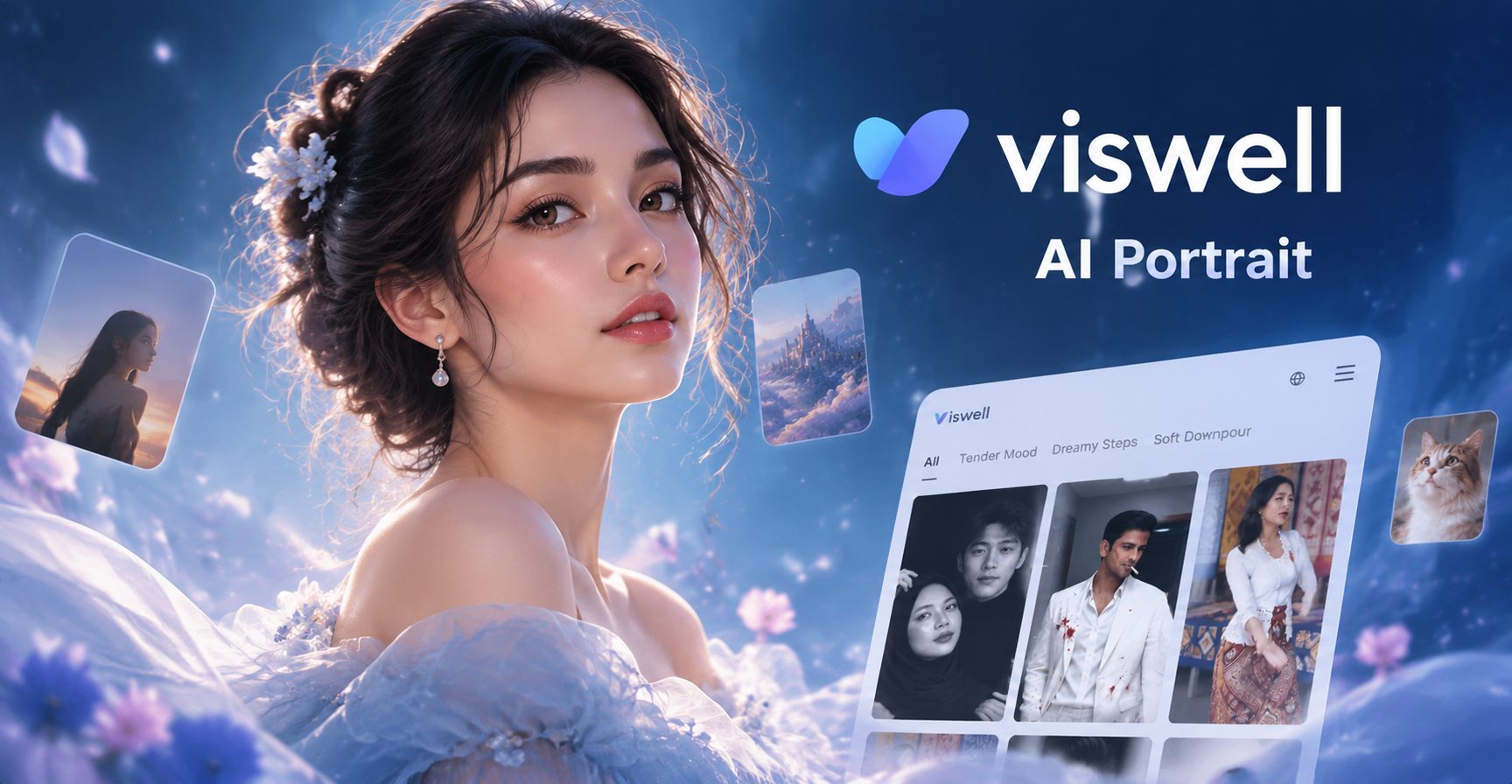
Prompt Dreamy Like Portrait: AI Soft Glow Filters
Create ethereal, dreamy portraits with viswell. Type a soft glow prompt, pick a cinematic filter, and generate a floating, hazy masterpiece in seconds.
Creative AI Coloring Book Prompts to Try Now
Discover the best AI coloring book prompts for stunning black and white line art. Generate custom coloring pages instantly with viswell. Perfect for kids, adults, and stress relief.
Create Your Waterfall Masterpiece Today
Download the viswell app, try a waterfall prompt, and generate stunning artwork in seconds. No design experience required, just your imagination.
Create Your Waterfall Masterpiece Today
Download the viswell app, try a waterfall prompt, and generate stunning artwork in seconds. No design experience required, just your imagination.