Vintage Video Prompts
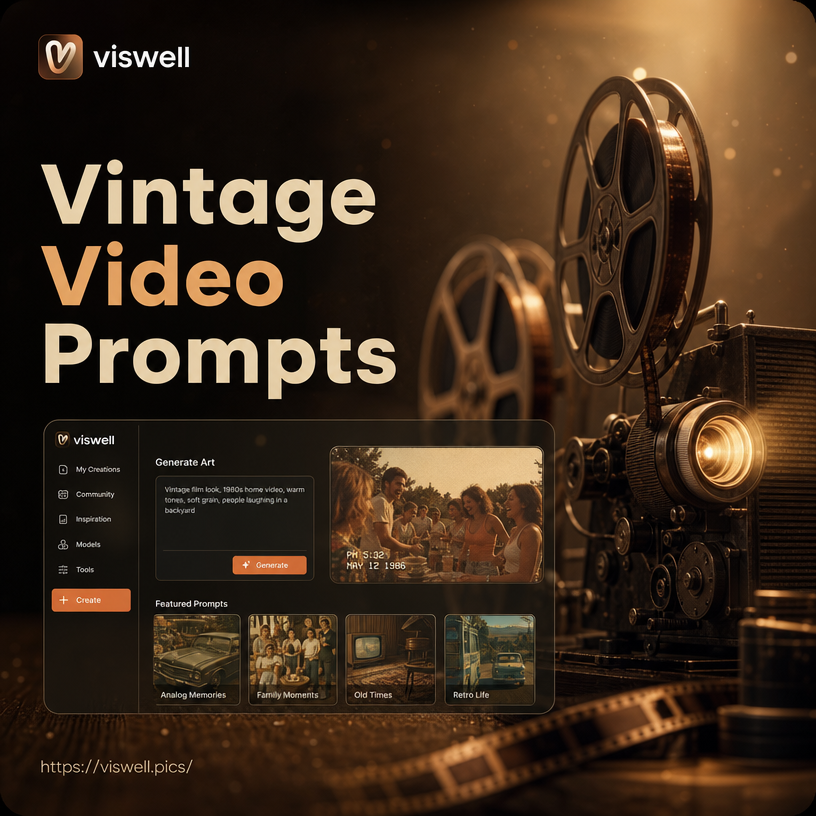
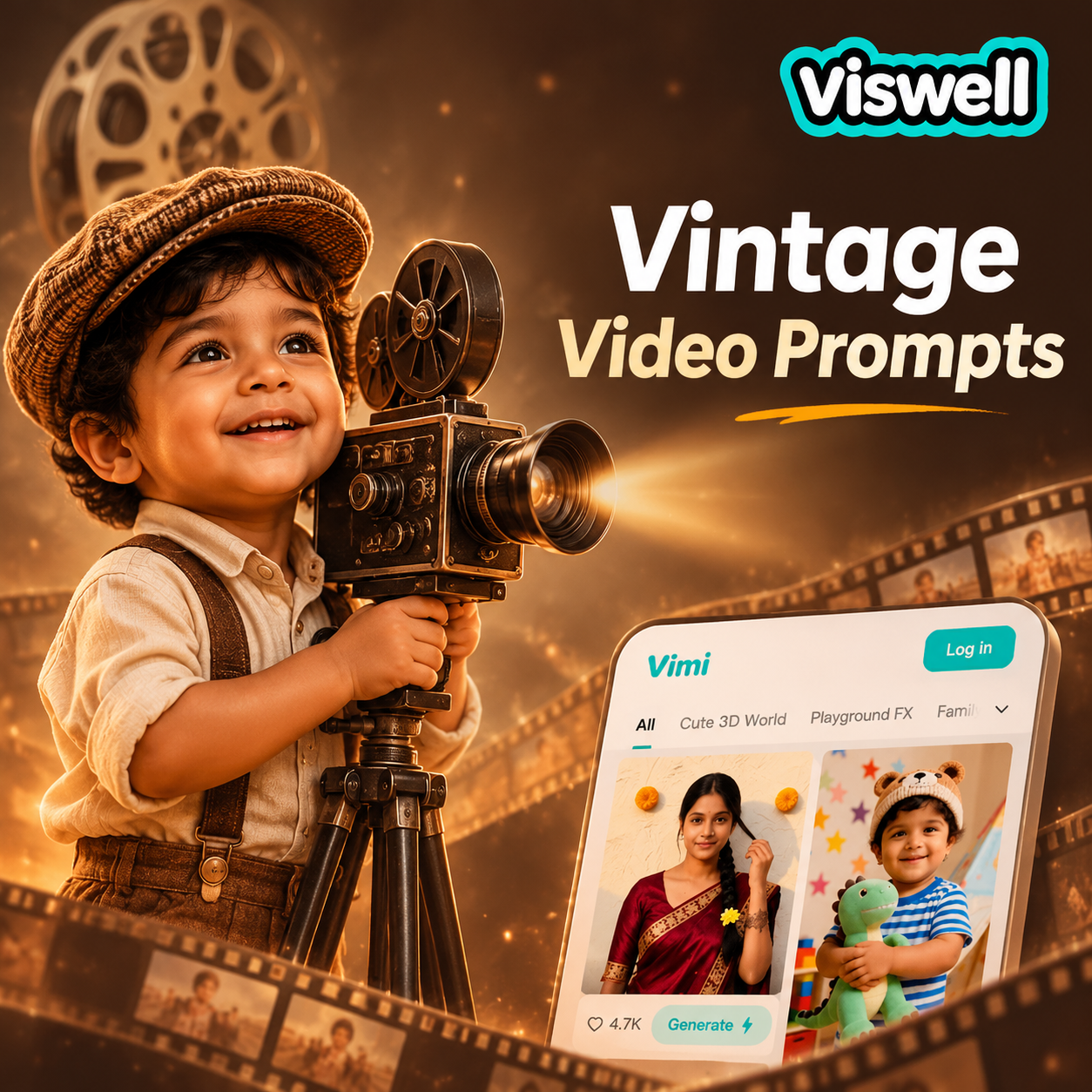


Apply the Right Vintage Video Look
Browse a wide range of retro film, VHS, and classic camera filters to bring your vintage video prompts to life.
Create Vintage Video Prompts in Three Ways
Turn text, photos, and ready-made filters into nostalgic clips that feel like they were pulled from an old family archive.

Text to Vintage Video
Describe a scene and turn it into a retro clip. Use prompts for 8mm, VHS, film noir, or silent film styles without complex editing.
Text to Vintage Video
Describe a scene and turn it into a retro clip. Use prompts for 8mm, VHS, film noir, or silent film styles without complex editing.
Photo to Vintage Motion
Upload a still photo and animate it with old film motion. Add grain, flicker, and camera movement for a convincing vintage reel.
Photo to Vintage Motion
Upload a still photo and animate it with old film motion. Add grain, flicker, and camera movement for a convincing vintage reel.
Built In Retro Filters
Access thousands of vintage camera presets, from 1970s home video to classic Hollywood. Match mood and grain with one tap.
Built In Retro Filters
Access thousands of vintage camera presets, from 1970s home video to classic Hollywood. Match mood and grain with one tap.
Vintage Video Styles You Can Prompt
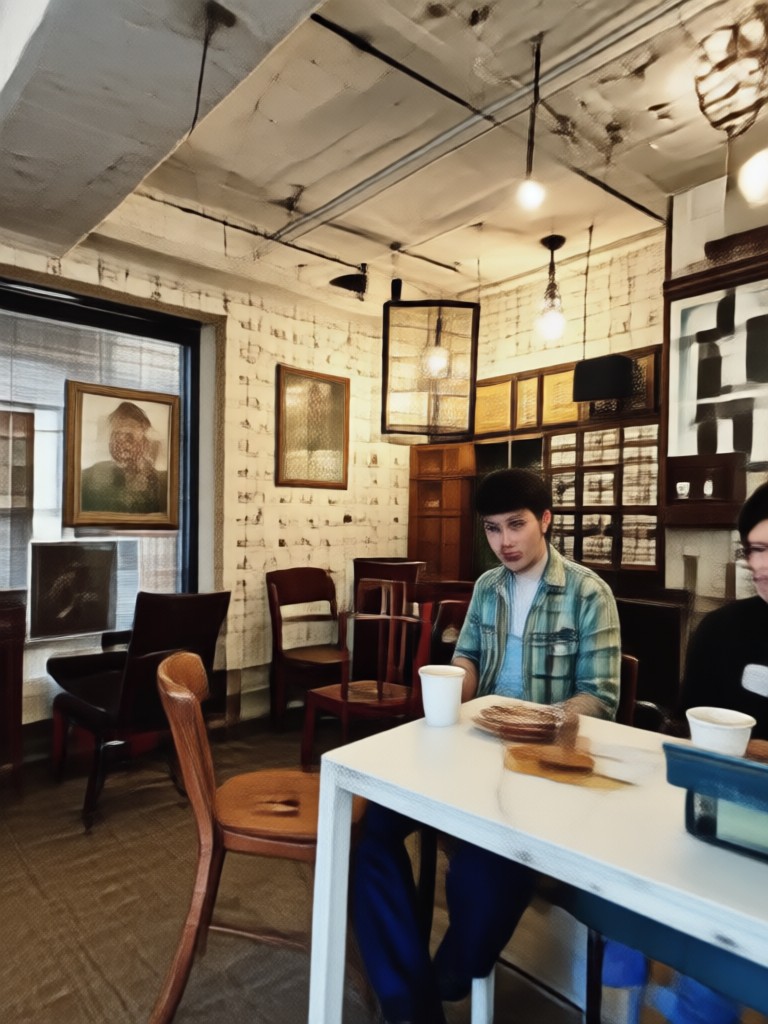
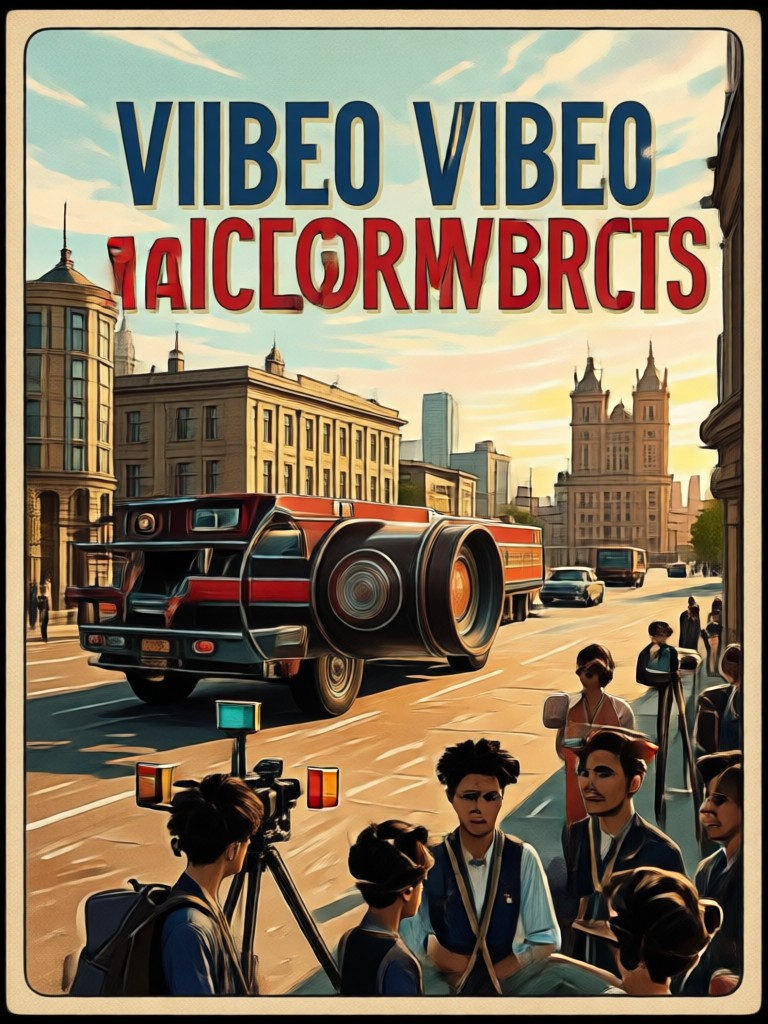
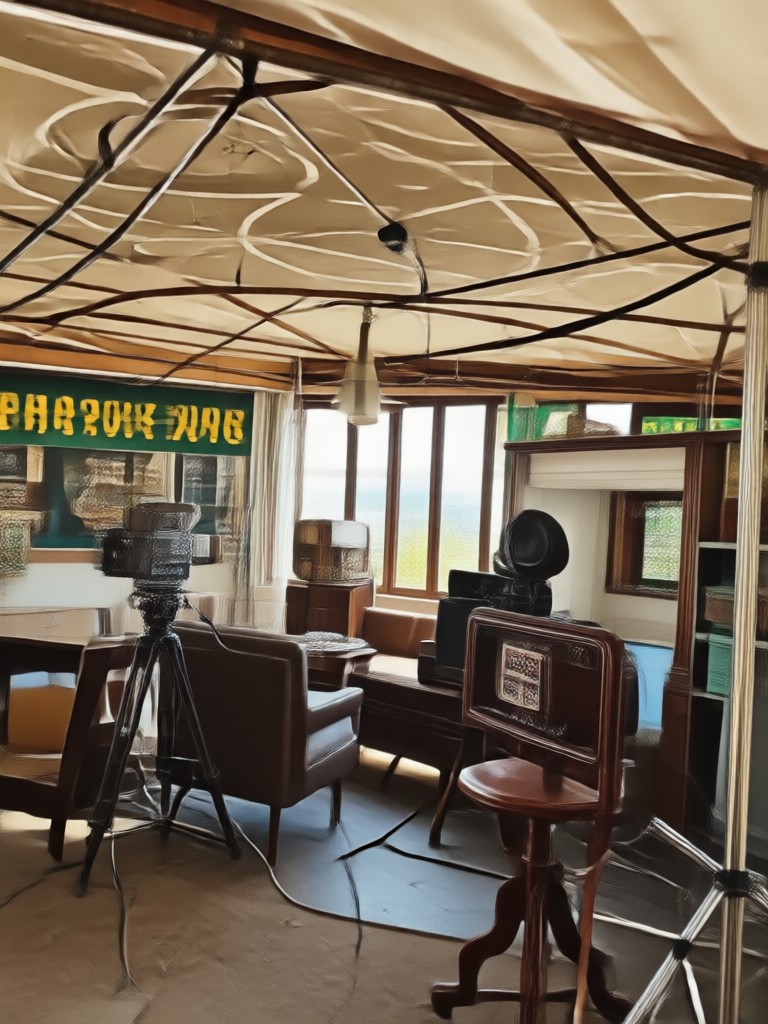
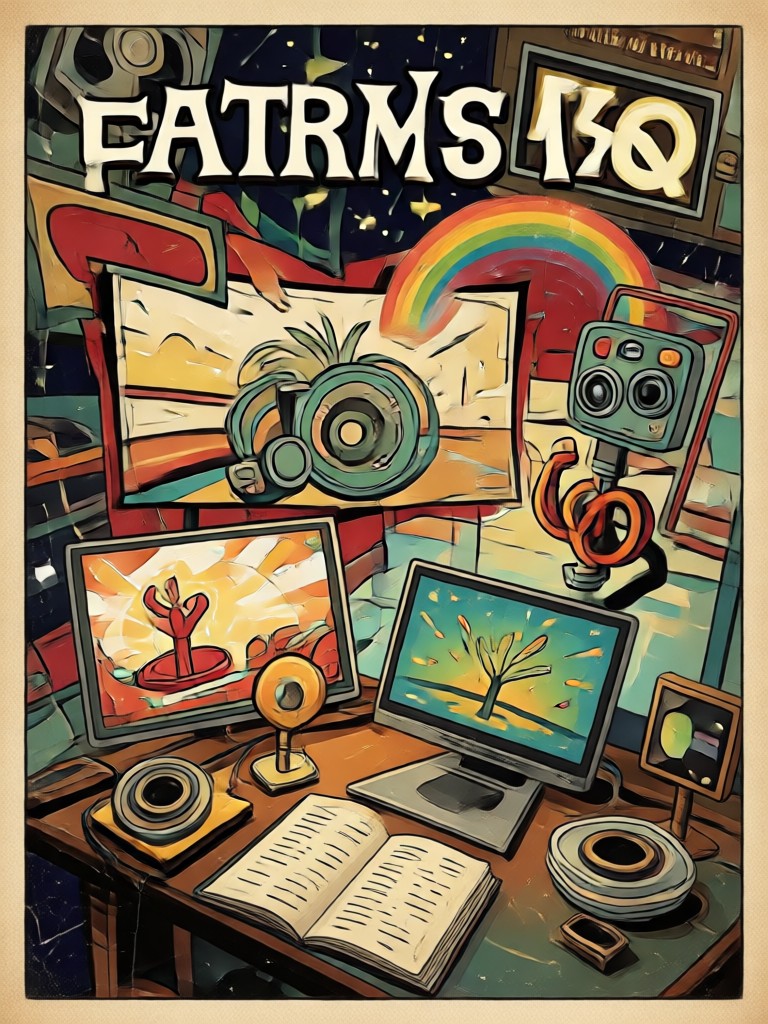
Explore five classic looks you can recreate with vintage video prompts, from grainy home movies to dramatic silent cinema.
Why Use viswell for Vintage Video Prompts
viswell turns your vintage video prompts into finished clips in seconds. The app combines a huge library of retro filters with simple text and photo tools. You do not need to learn complex editing or write perfect prompts. Just choose a look, add your scene, and generate a nostalgic video that feels authentic.
Why Use viswell for Vintage Video Prompts
viswell turns your vintage video prompts into finished clips in seconds. The app combines a huge library of retro filters with simple text and photo tools. You do not need to learn complex editing or write perfect prompts. Just choose a look, add your scene, and generate a nostalgic video that feels authentic.
How to Use Vintage Video Prompts
Follow three simple steps to turn retro ideas into shareable vintage videos with viswell.

Step 01.
Download the viswell app from Google Play to start creating vintage video prompts anytime.

Step 02.
Choose a vintage filter like VHS, 8mm, or film noir, then type or paste a retro video prompt.

Step 03.
Generate your vintage video clip, save it to your device, and share it with your audience.
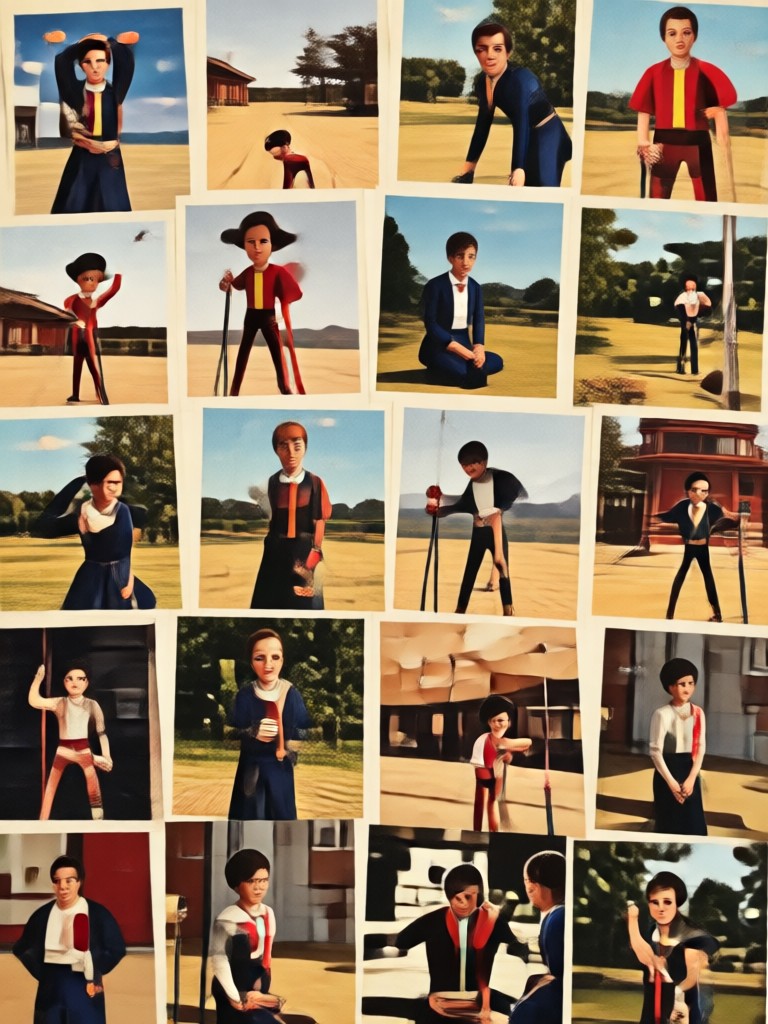
Transform Prompts into Retro Video Clips
Use vintage video prompts with viswell to create nostalgic clips from text or photos. Download the app and get access to retro filters on mobile.

What Creators Say About Vintage Video Prompts
A perfect tool for retro content
I make short nostalgic clips for social media and viswell gives me the exact VHS and Super 8 looks I need. The prompts are easy to tweak and results feel authentic.
From old photo to moving memory
I animated my parents' wedding photo with a film noir prompt. The grain and motion are so natural. It only took a few minutes on my phone.
Great for short film experiments
I use vintage video prompts to test ideas for my film school projects. The silent film and Kodachrome presets save me hours of color grading.
Frequently Asked Questions
Find clear answers about vintage video prompts, supported styles, and how to create retro clips with viswell.
More Vintage Video Topics to Explore
Discover related film styles, retro effects, and AI video tools that pair well with vintage video prompts.
AI Video Loop Prompts for Seamless, Infinite Clips
AI video loop prompts turn images into seamless endless motion. Create hypnotic loops for social media and backgrounds. Pick a prompt, watch clips loop instantly.
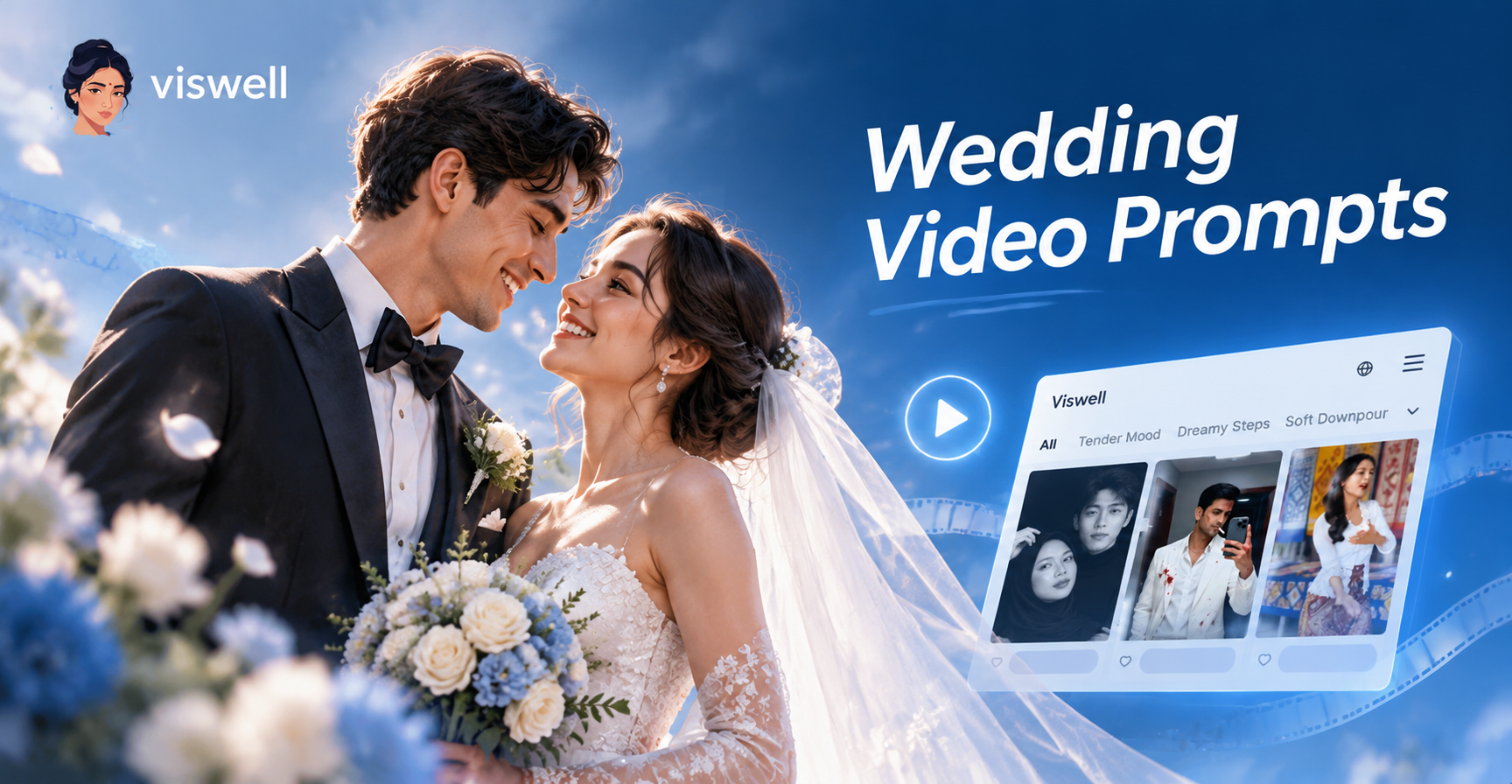
Stunning Wedding Video Prompts You Can Try Today
Discover the best wedding video prompts for AI generators. Create cinematic, romantic, and unforgettable wedding videos in minutes. Download the app now!
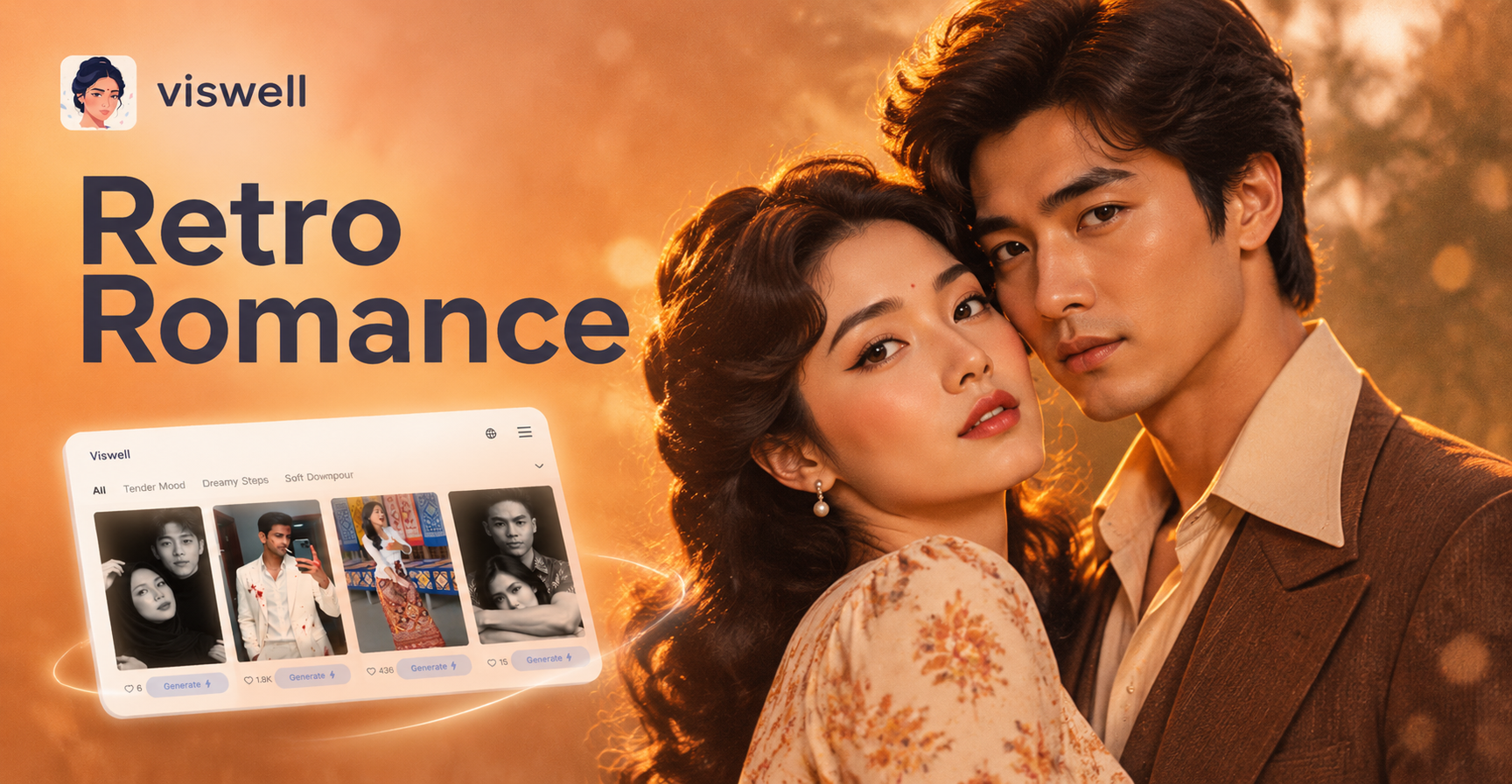
Retro Couple Photo Prompts for Romantic AI Images
Create stunning retro couple portraits with AI. Use detailed prompts for 1950s diner dates, 1970s road trips, and vintage film looks. Turn ideas into HD photos in seconds with viswell.
Ready to Make Vintage Video Prompts Come Alive
Download viswell and turn your retro ideas into finished video clips. Pick a filter, enter a prompt, and generate nostalgic content in minutes.

Ready to Make Vintage Video Prompts Come Alive
Download viswell and turn your retro ideas into finished video clips. Pick a filter, enter a prompt, and generate nostalgic content in minutes.