Remove Object Prompts


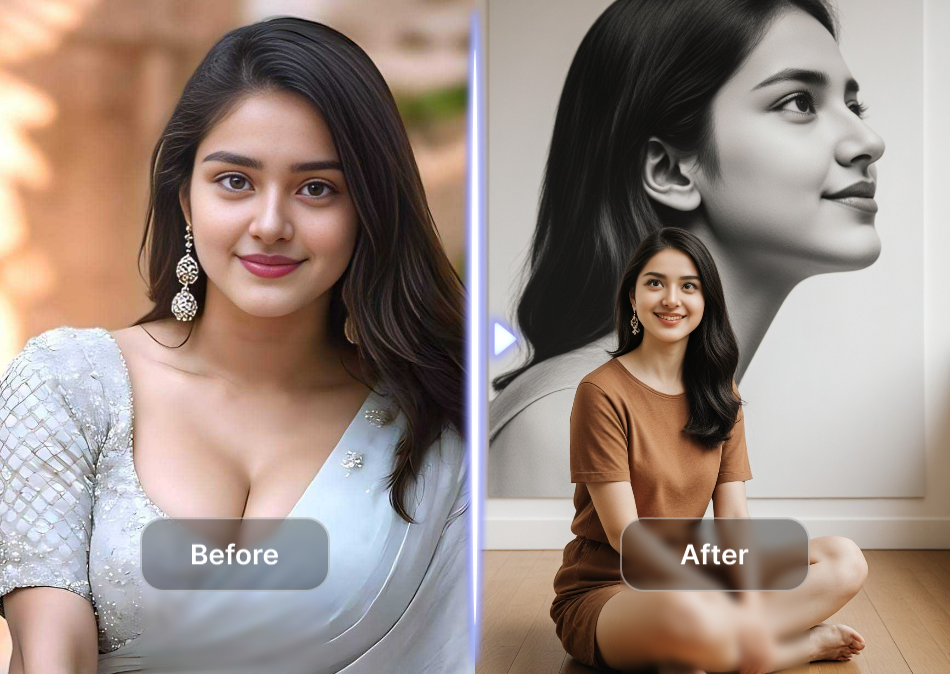

Choose the Best Object Removal Style
Find the filter that matches your photo cleanup needs, from natural inpainting to creative background fixes.
What Remove Object Prompts Can Do
Turn cluttered photos into clean, shareable images by combining precise prompts with powerful AI inpainting. No manual editing required.
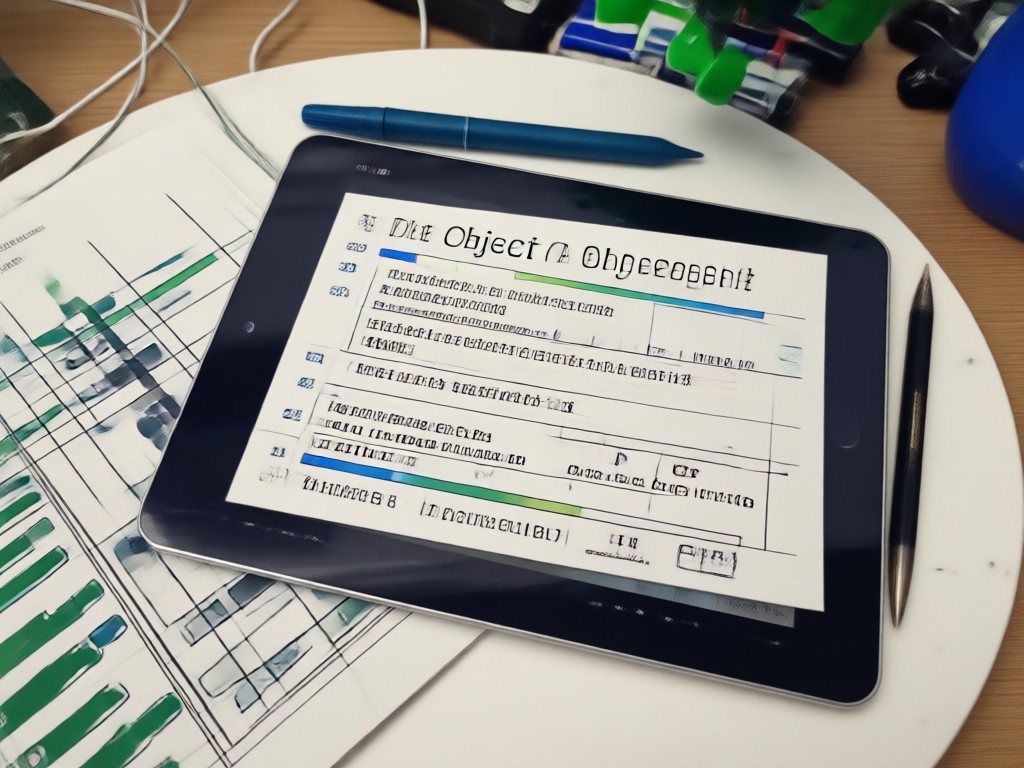
Text and Watermark Removal
Erase date stamps, logos, captions, and watermarks from photos while preserving the original texture and lighting.

Clutter and Background Cleanup
Remove trash, cables, furniture, or distracting objects from any scene and let the AI fill the space naturally.

People and Photobomber Erase
Delete strangers, unwanted people, or accidental photobombers from group shots without leaving smudges or ghost artifacts.
Object Removal Results Created by AI
Browse real examples of remove object prompts in action. See how viswell erases clutter, people, and text while keeping photos clean and natural.











How to Use Remove Object Prompts
Clean up any photo in three simple steps with the viswell app.

Step 01.
Download the viswell app from Google Play and open the AI image editor.

Step 02.
Upload your photo and paste or type one of the remove object prompts above.

Step 03.
Generate your clean image, then save or share it directly to social media.

Why Use Remove Object Prompts with viswell
Manual object removal can take hours with clone stamps and healing brushes. viswell replaces that tedious work with a single text prompt. The AI analyzes the surrounding pixels, lighting, and texture to rebuild the background seamlessly. You get professional results without learning complex editing software.
Why Use Remove Object Prompts with viswell
Manual object removal can take hours with clone stamps and healing brushes. viswell replaces that tedious work with a single text prompt. The AI analyzes the surrounding pixels, lighting, and texture to rebuild the background seamlessly. You get professional results without learning complex editing software.

Download viswell for Easy Object Removal
Use powerful text prompts to erase unwanted objects, people, and text from any photo right on your phone.

What Creators Say About AI Object Removal
Cleanup used to take hours, now it takes one prompt
I shoot street photography and always struggle with trash bins and signs. With viswell I just type a quick prompt and the object disappears perfectly. It blends the background better than my manual clone stamp.
Best app for cleaning product photos
I sell handmade items online and my backgrounds are always cluttered. Remove object prompts in viswell erase the mess and leave a clean studio look. My listings look so much more professional.
Finally removed an unwanted person from my favorite photo
I had a perfect travel photo but a stranger walked into the frame. The remove object prompt erased them and filled the background so naturally. Now I have a clean shot without any awkward cropping.
Frequently Asked Questions About Remove Object Prompts
Find clear answers to common questions about removing objects, people, and text from photos with AI prompts.
More Topics You May Like
Explore more topics you may like and discover fresh ideas tailored to your interests.

Instagram Carousel Poster Prompts: 6 Ready-Made Ideas
Copy and paste these Instagram carousel poster prompts to create branded, editable slide decks with AI. From product launches to educational posts.

Vintage Video Prompts That Feel Like Old Film Scenes
Try vintage video prompts for 8mm, VHS, film noir, and silent film styles. Generate retro AI clips in viswell, from grainy home movies to classic Hollywood looks.

AI Video Loop Prompts for Seamless, Infinite Clips
AI video loop prompts turn images into seamless endless motion. Create hypnotic loops for social media and backgrounds. Pick a prompt, watch clips loop instantly.

Stunning Wedding Video Prompts You Can Try Today
Discover the best wedding video prompts for AI generators. Create cinematic, romantic, and unforgettable wedding videos in minutes. Download the app now!
Clean Up Your Photos in Seconds
Download viswell and use remove object prompts to erase clutter, photobombers, and text without any editing skills.
Clean Up Your Photos in Seconds
Download viswell and use remove object prompts to erase clutter, photobombers, and text without any editing skills.